Mission alarm clock for iPhone
Stop snoozing. Start moving.
Choose a mission before bed. Solve a short problem or take a live photo in the morning to finish your alarm.

Requires iOS 26 or later
- Easy Math
- Object Hunt
- Make Your Bed
- Sky Photo
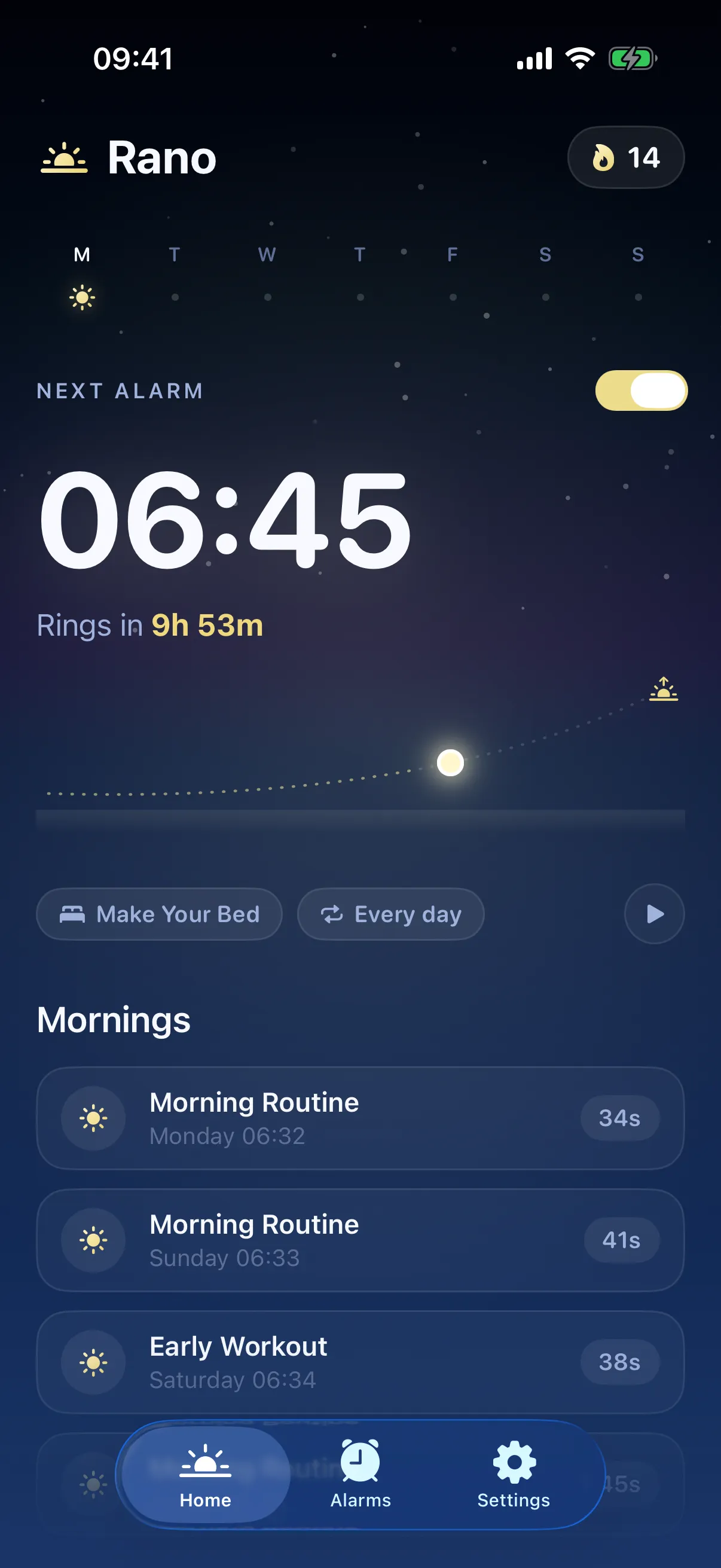
How it works
A clear plan for your first minute.
-
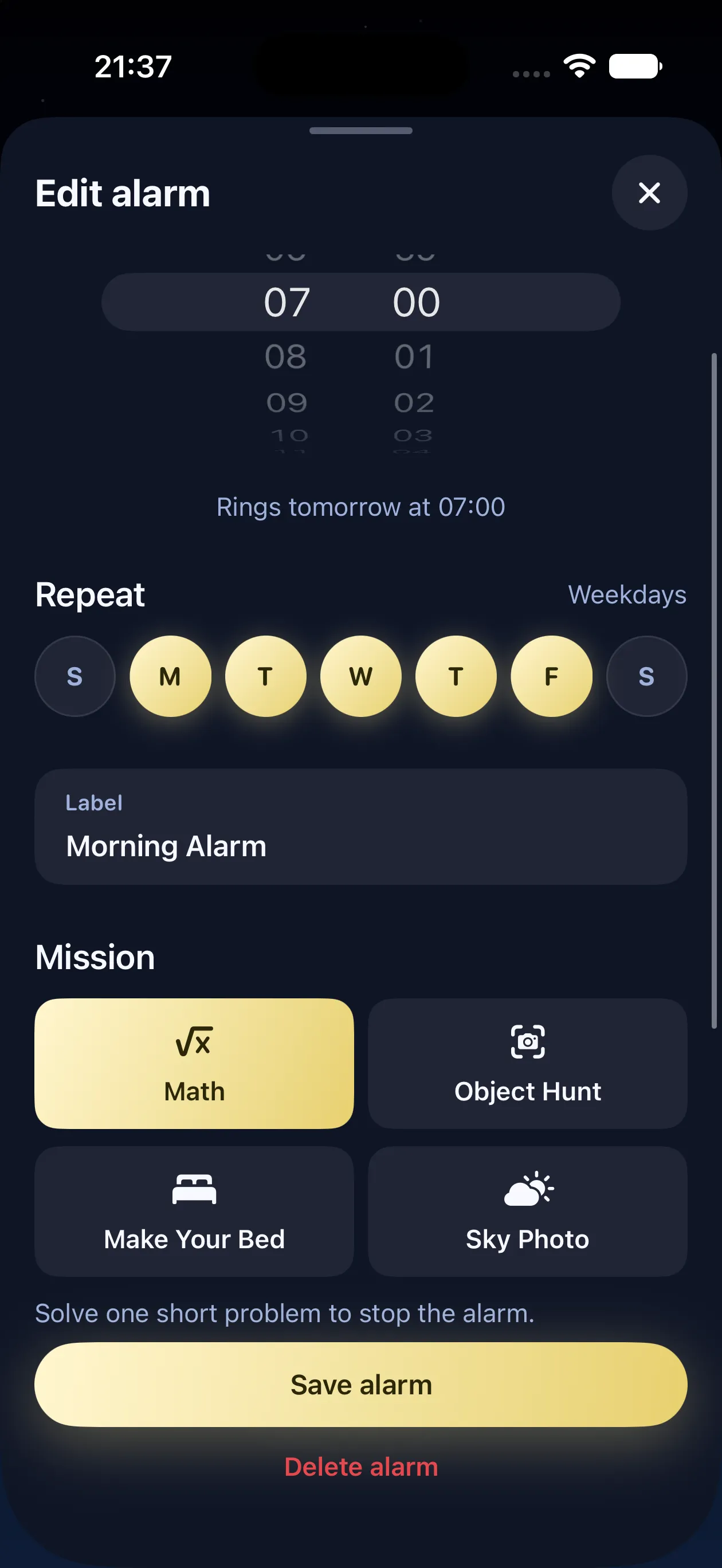
Set your alarm
Choose the time, the days, and one mission. Your first task is decided before bed.
-
Complete one mission
Solve Easy Math or complete a photo mission to finish the alarm and move into your day.
-
Start the day
See your completed morning in Rano. Come back tomorrow and build a streak.
Missions
Four ways to start your morning.
Get your mind working with Easy Math, or choose a photo mission that gives you a reason to get out of bed.
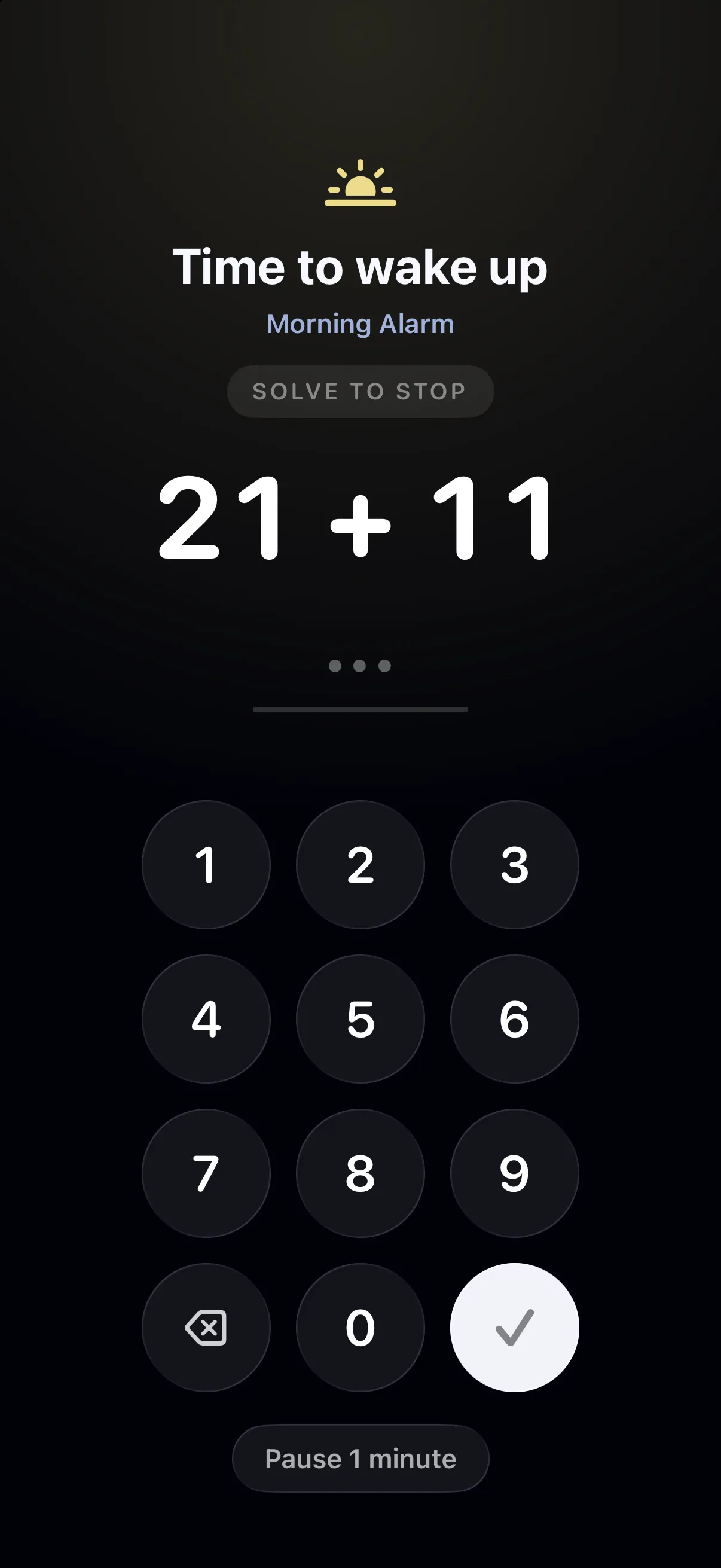
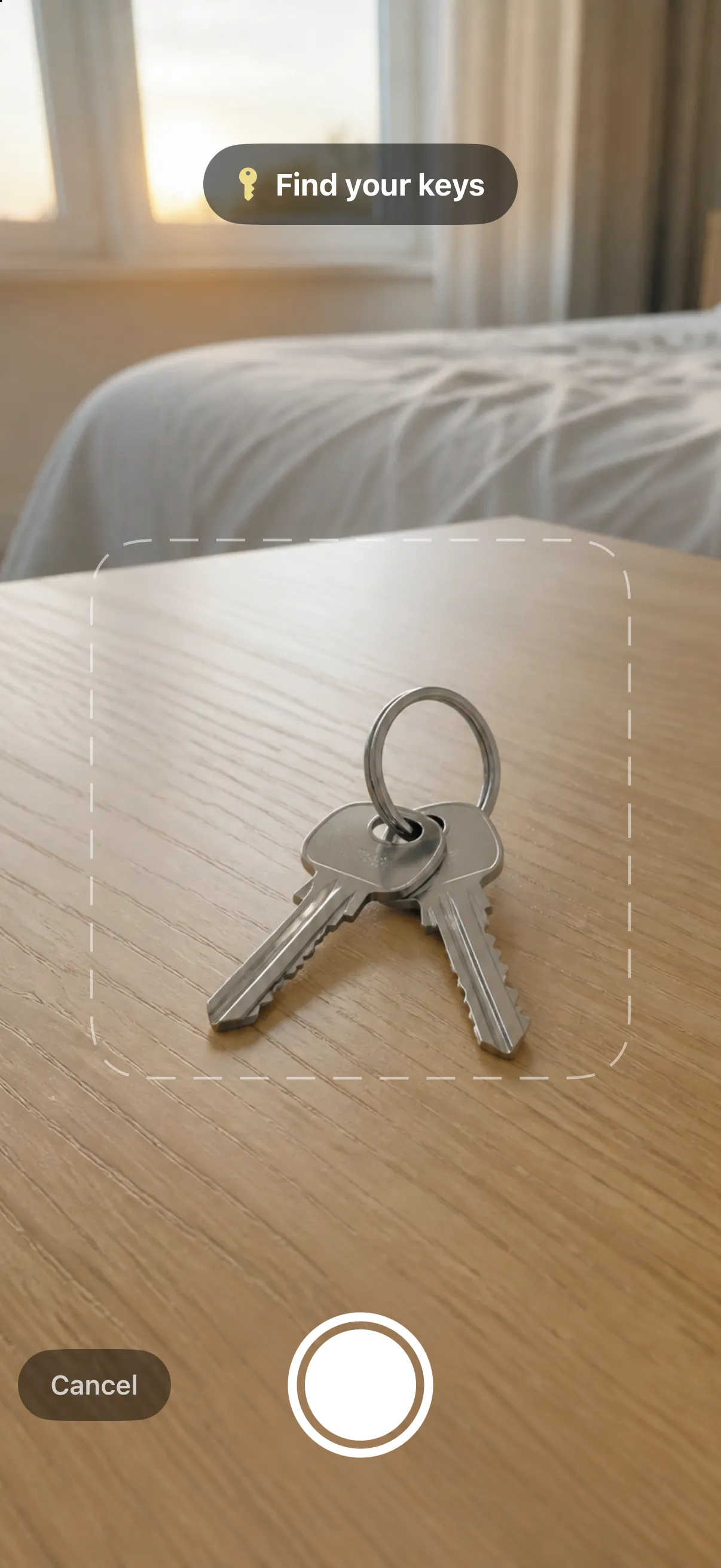
Photo missions
A little movement. A live photo.
-
One photo per check
A photo mission sends a single live image for verification when you request a check.
-
No photos in your history
Rano discards its copy after each check. Your wake history records the completed mission, not the image.
-
Easy Math needs no camera
Prefer a camera-free start? Solve a short calculation with Easy Math.
Alarms
Your week. Your wake-up.
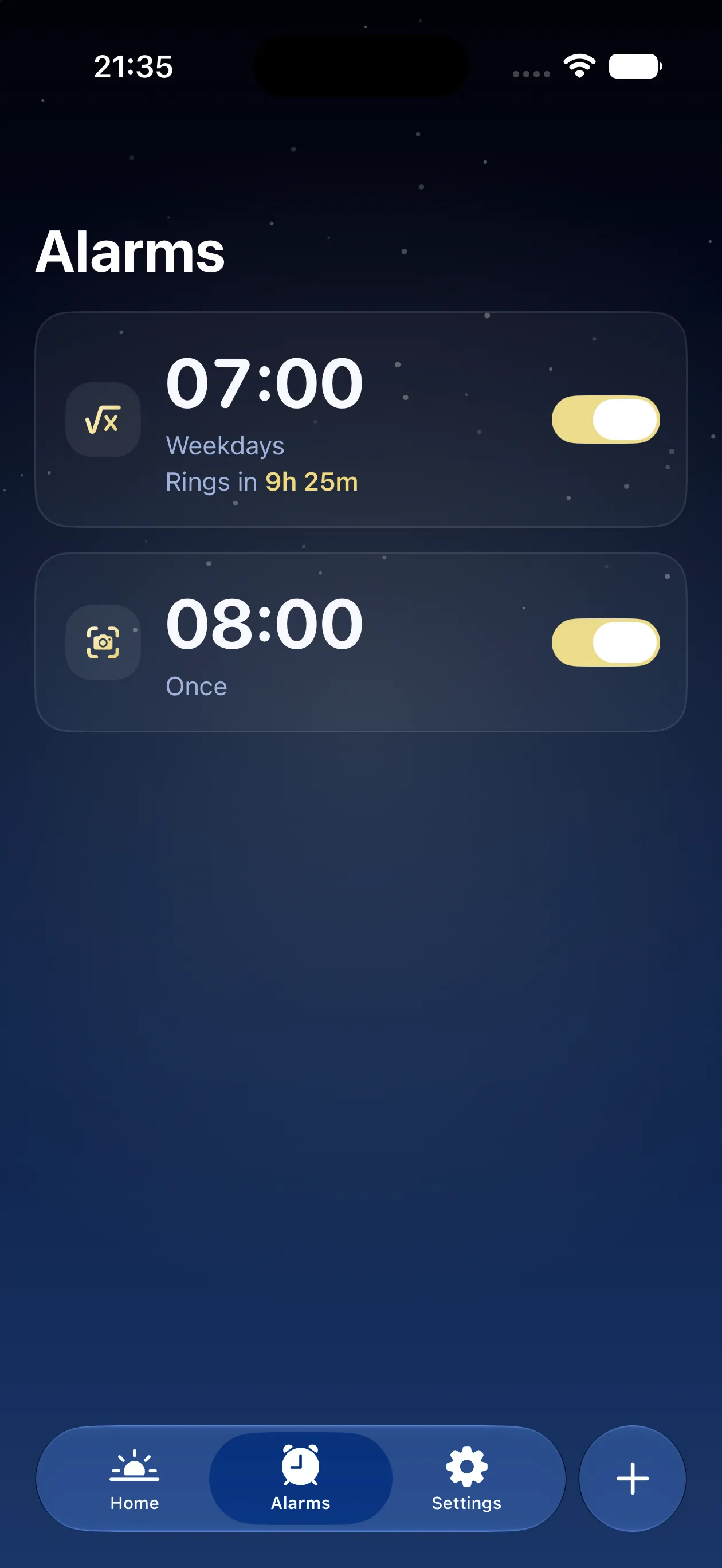
Give each alarm its own mission and schedule, from your weekday routine to an early weekend start.
-
A schedule that fits your week
Set a one-time alarm, or choose the days it repeats.
-
Give it a label
Keep workdays, early starts, and weekends easy to tell apart.
-
Sound on your terms
Keep ringing, or choose Quiet while solving. In quiet mode, the alert returns one minute after you leave.
-
Your Object Hunt list
Choose household objects you own and can easily reach.
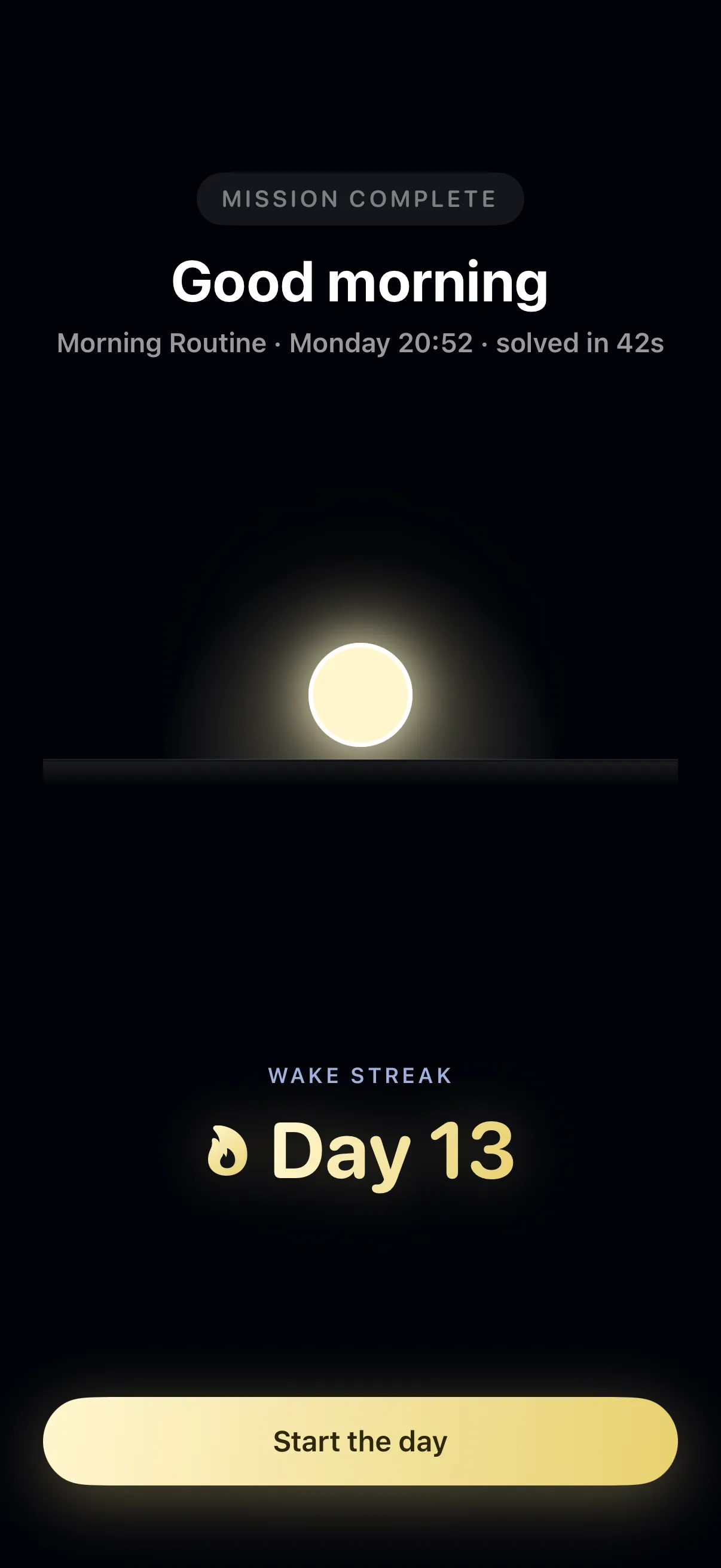
Wake streak
Day 13
See your mornings add up.
Finish a mission and welcome the day with a sunrise. Look back at your recent completed mornings and build a streak across consecutive days.
Journal
Notes on the first minute
Give tomorrow a clear start.
Set your alarm. Choose your mission. Meet the morning.
Requires iOS 26 or later